
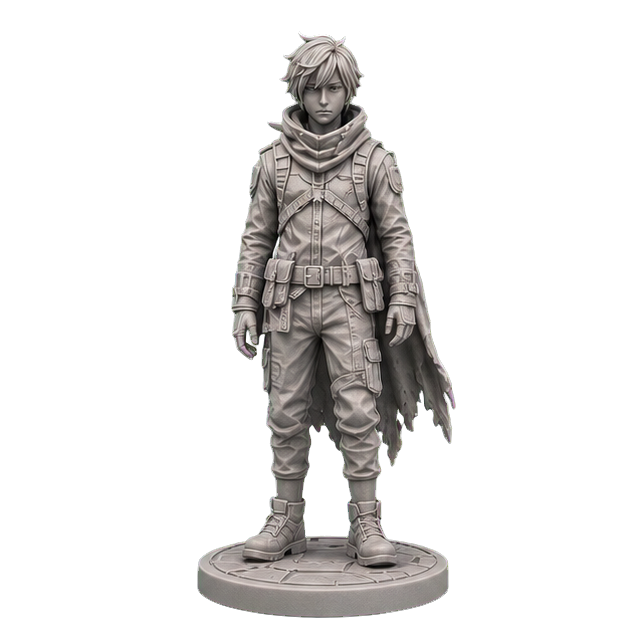
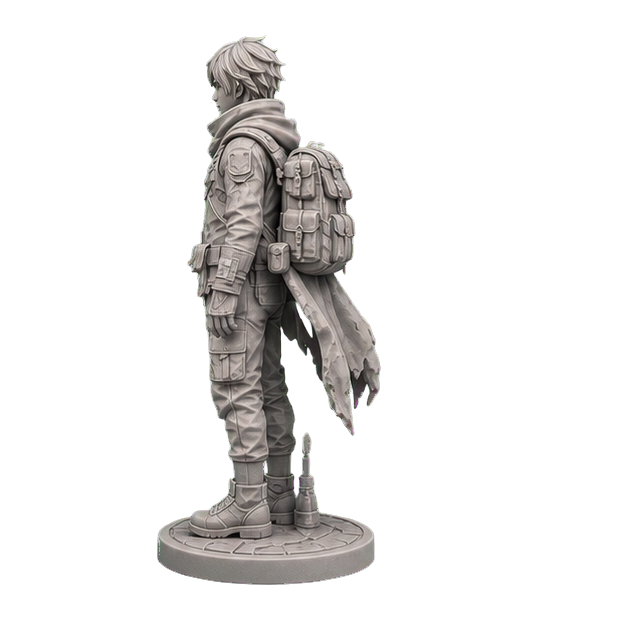
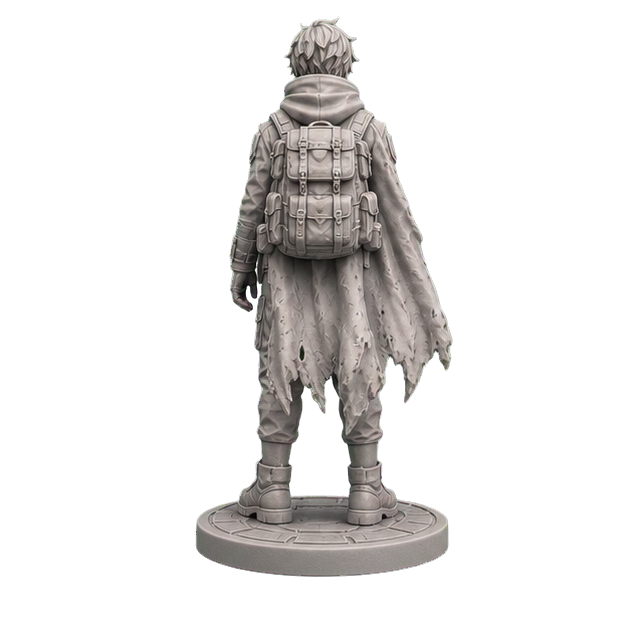
Consistent AI multi-view
Complete front, side, back, and three-quarter references from one source image.
FRONTRIGHTBACK3/4
A reliable ImageToSTL workflow starts with consistent front, side, back, and three-quarter views. Lock proportions and structure before 3D generation to reduce AI guessing and create a more complete, print-ready model.
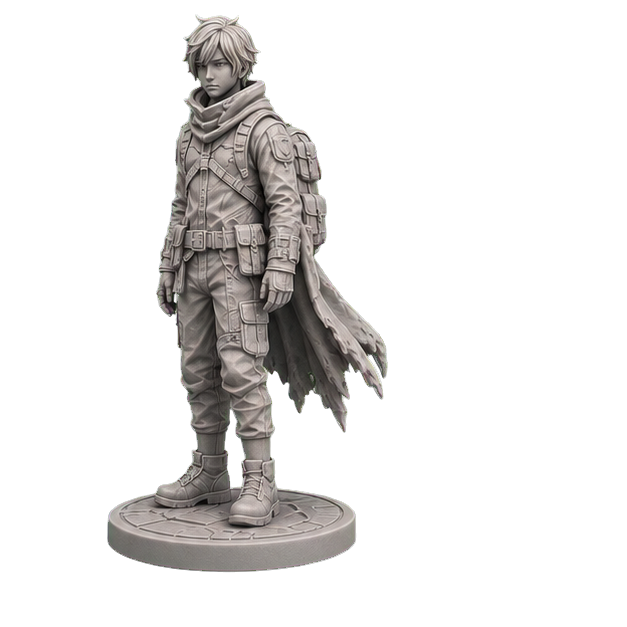
Align the views before sending a reliable model to production
20
free signup credits
4
consistent views
6
export formats
100%
browser preview
Confirm every side before 3D generation, printability checks, and multi-format delivery to reduce rework caused by hidden geometry.
Complete front, side, back, and three-quarter references from one source image.
Approve references before modeling for more predictable proportions, silhouettes, and details.
Rotate, zoom, and inspect the model without installing specialist desktop software.
Check watertightness, holes, non-manifold edges, and degenerate faces before download.
Keep source images, views, revisions, models, and previews together in your account.
Export GLB, STL, OBJ, FBX, 3MF, and USDZ after a paid generation or download unlock.
Upload a reference, approve consistent views, then inspect and export the model.

Drop an image, or click to upload
PNG / JPG
Choose imageConfirming hidden sides earlier exposes structural drift before it becomes an expensive rebuild.
“Explaining the unseen side used to take the most time. Approving four views first makes the 3D handoff far clearer.”
Lin · Product designer
Consumer prototyping
“Being able to inspect the model in a browser is ideal for an independent creator. I do not need a heavy app for every preview.”
Mika · Independent maker
Desktop collectibles
“The printability report catches issues before the slicer, which reduces last-minute repair work before delivery.”
Alex · Studio lead
3D printing services
Concept art → four views → STL with base
Fewer blind spots
Product photo → structural reference → 3MF
Faster validation
2D visual → 3D model → GLB
Ready for the browser
New accounts include 20 credits for one standard generation and online preview. Unlock that free preview's downloads for 20 credits.
For occasional creation and personal printing
For regular creators and print sellers
For studios, print shops, and small teams
Enterprise plans can include custom capacity, batch workflows, and technical integration support.
Learn about source images, four-view generation, printability, formats, and billing.
Use a clear subject, simple background, and even lighting. Front or three-quarter JPG and PNG images work well.
One photo cannot reveal the back and sides. Approved multi-view references provide the 3D model with more complete structure.
Yes. Request changes during the reference stage and keep each generation in your revision history.
That covers one standard four-view generation (5 credits) and one standard 3D model (15 credits), with online preview included.
We check common mesh issues, but you should still confirm scale, supports, and wall thickness in your slicer for your printer and material.
GLB, STL, OBJ, FBX, 3MF, and USDZ are supported. Unlock the free preview for 20 credits; paid generations include downloads.
Start with 20 credits for one standard generation. Confirm every side, then preview the model online.